


 BeforeAfter
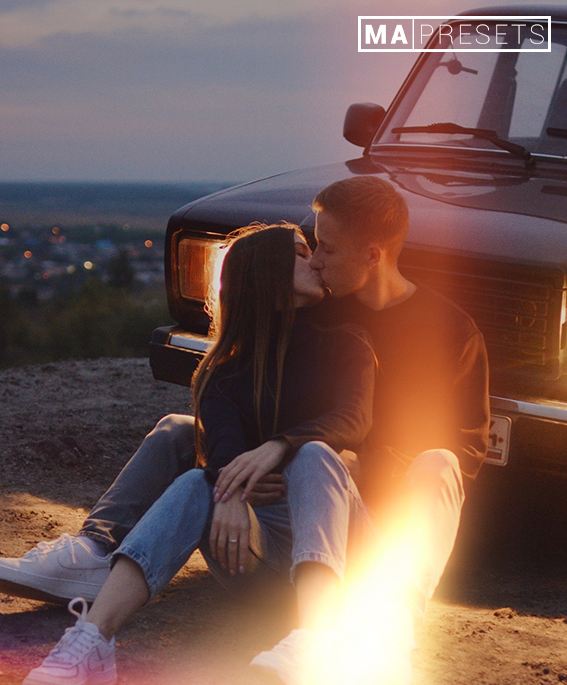 BeforeAfter
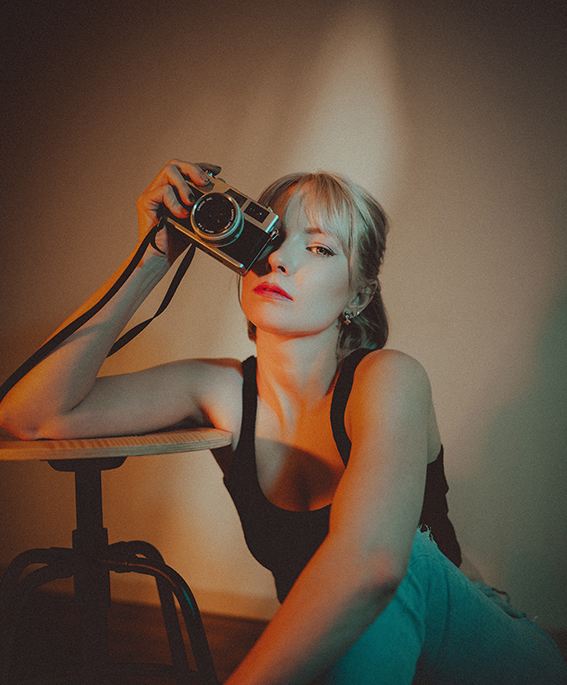
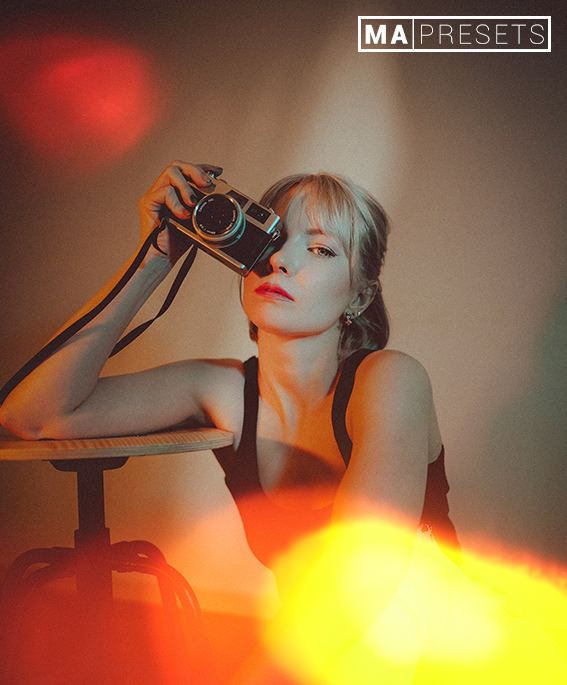 BeforeAfter
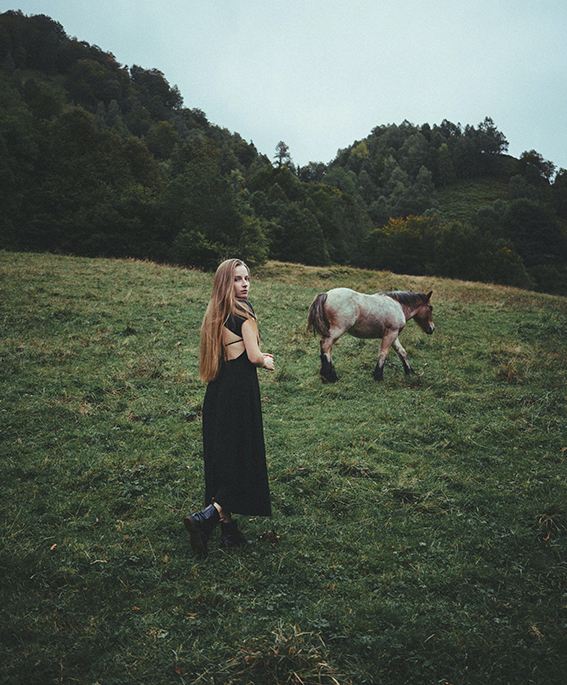
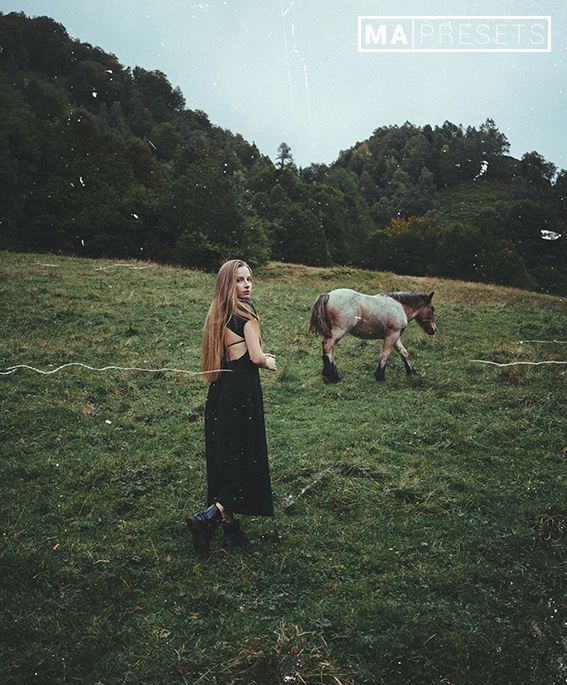 BeforeAfter
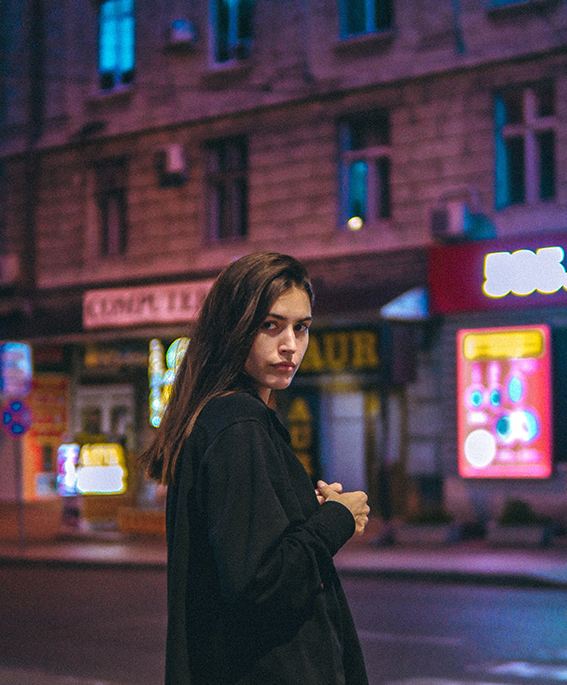
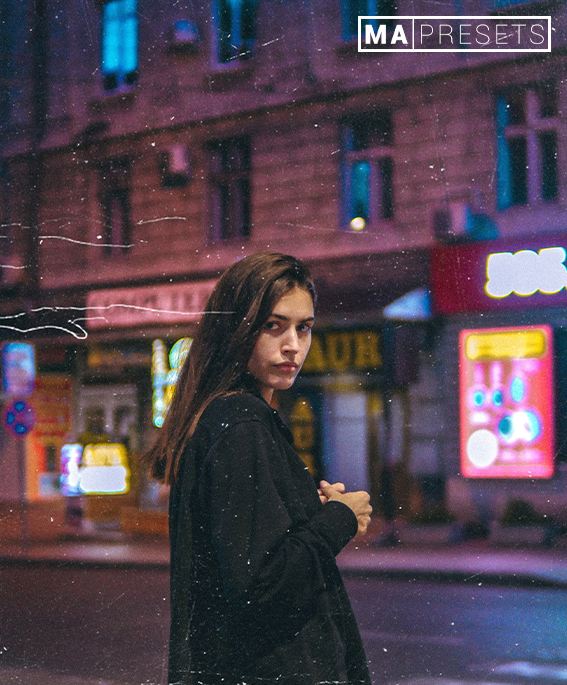 BeforeAfter
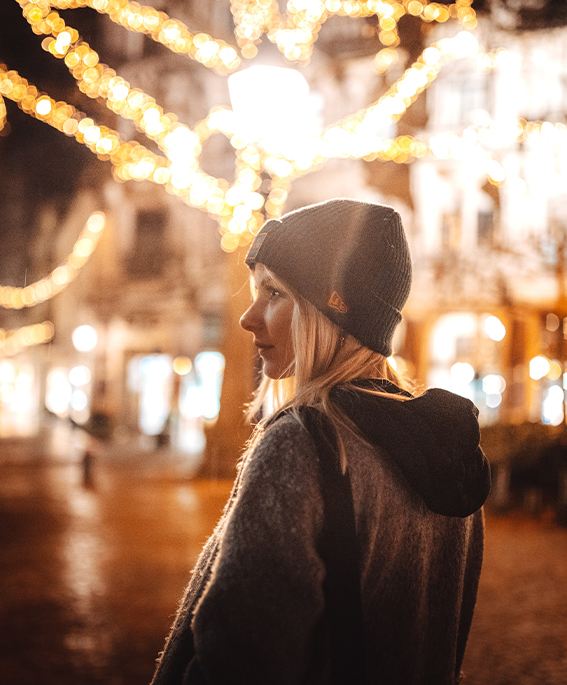
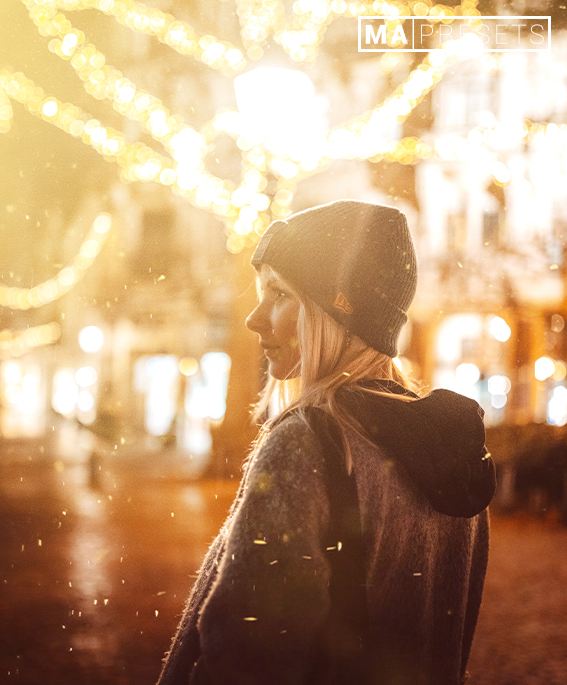 BeforeAfter
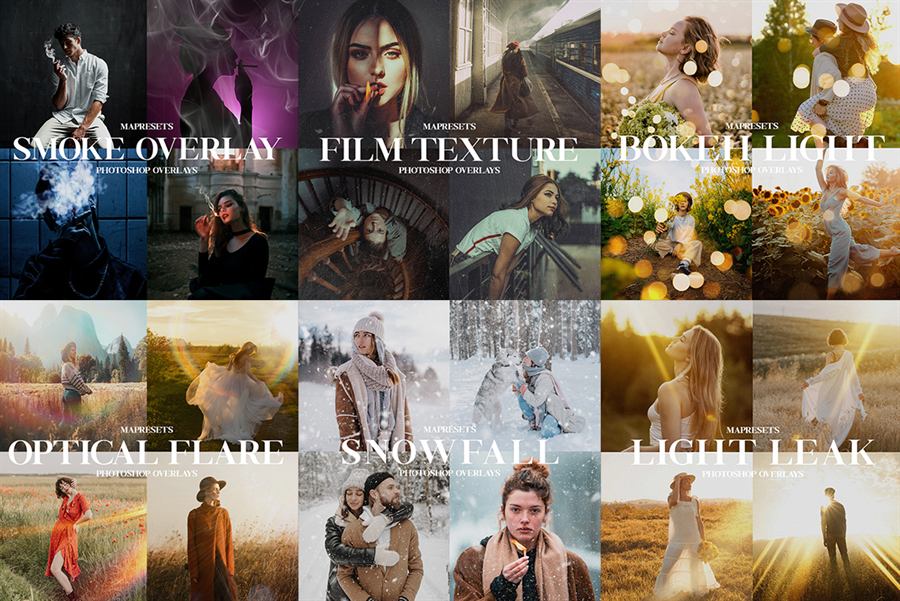
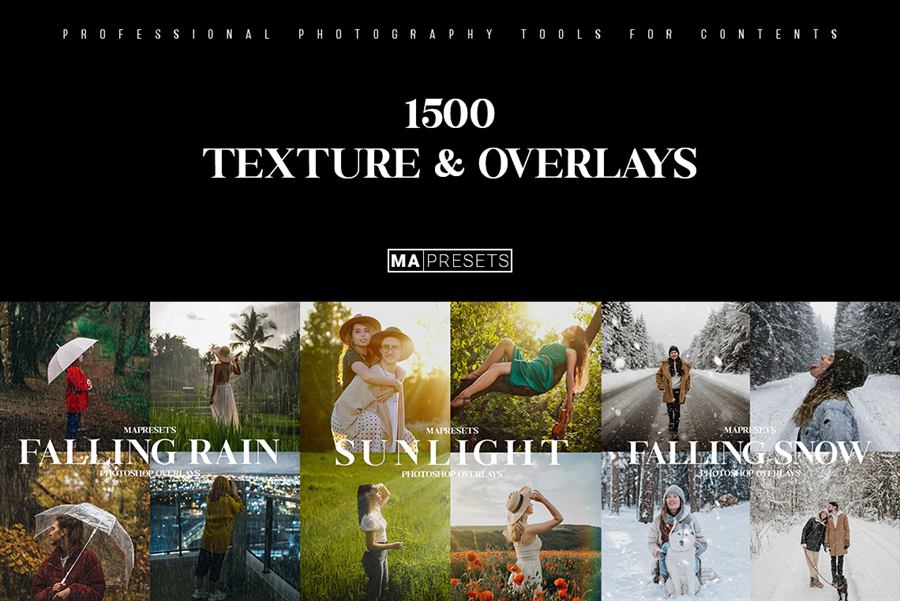
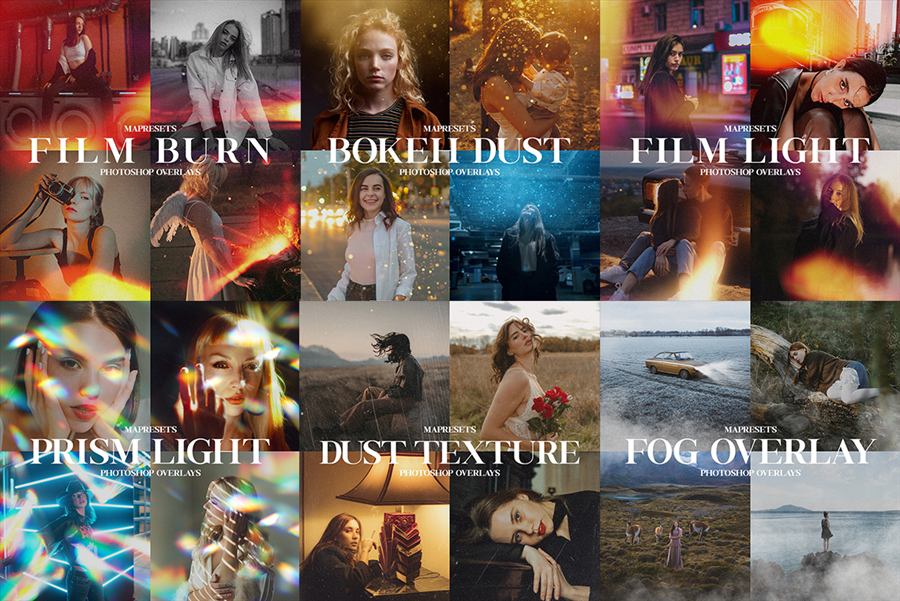
Bundles · 15 packs
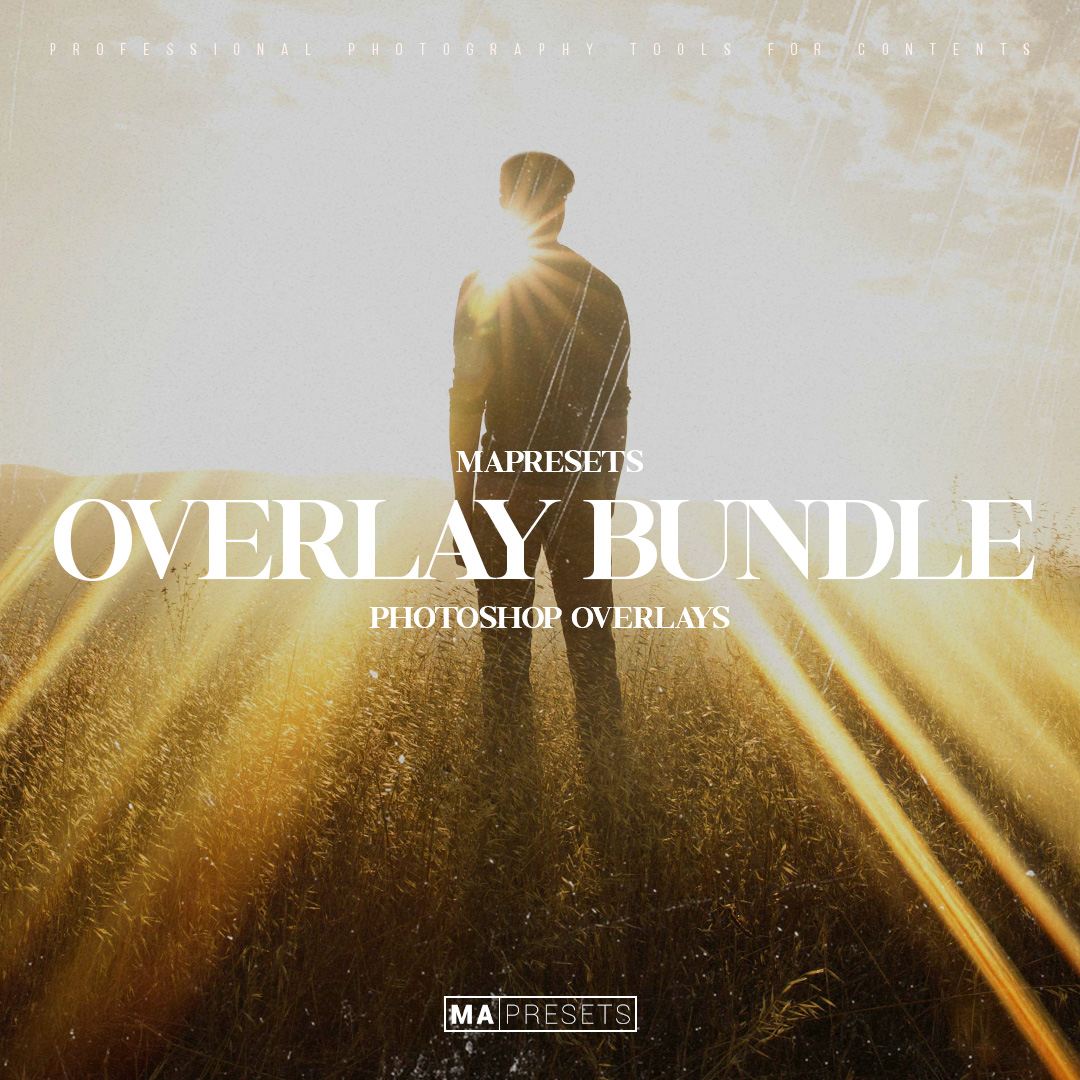
Overlay Bundle
1500 Photoshop Overlays · PNG
Every Mapresets overlay in one download: 1,500 light leaks, film burns, textures, bokeh, weather and lens effects.
Choose your store
 Buy on EtsyOur main shop · most reviews
Secure checkout and instant download on every marketplace.
- Instant download
- PDF install guide
- Real support
- Includes
- 15 complete packs · 1500 overlays
- Files
- PNG overlays
- Works with
- Adobe Photoshop (any version with layers)
- Delivery
- Instant download + PDF guide
Description
Fifteen complete packs for a fraction of the individual price. The ultimate toolkit for photographers and designers.
Ideal For
- Photographers who want every effect
- Designers and content creators
- Best value overlay collection
What's included
- Natural Light Leaks Overlays (100 overlays)
- Film Light Leaks Overlays (100 overlays)
- Film Burn Overlays (100 overlays)
- Film Texture Overlays (100 overlays)
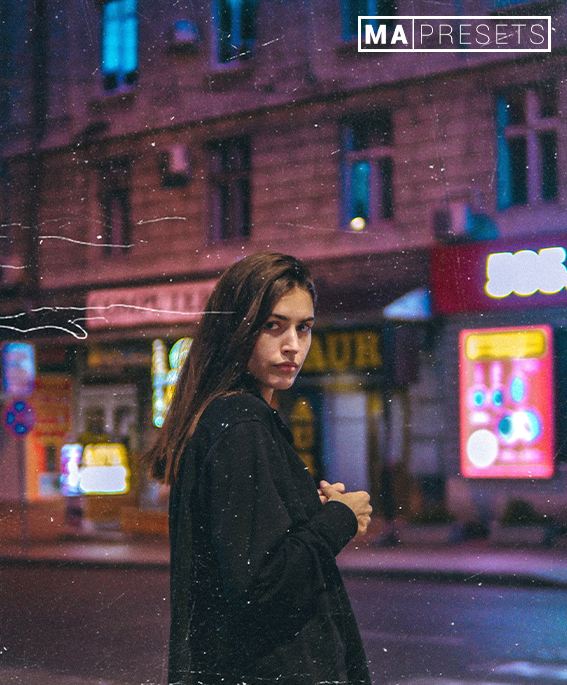
- Dust Texture Overlays (100 overlays)
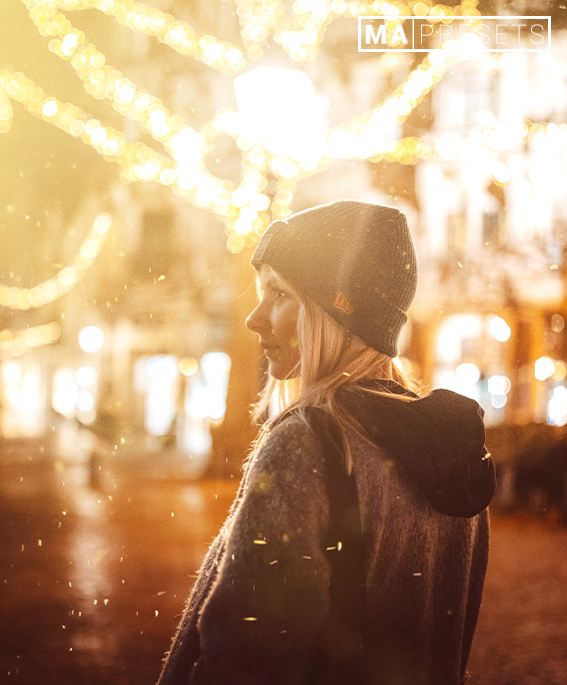
- Bokeh Dust Overlays (100 overlays)
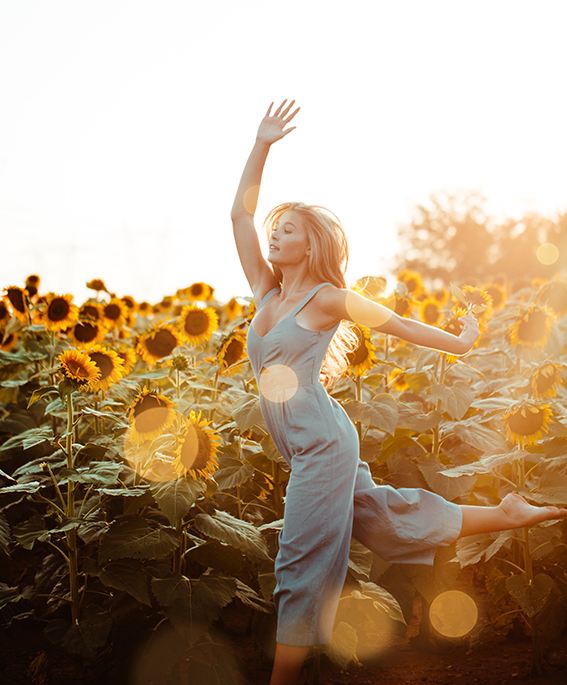
- Bokeh Light Overlays (100 overlays)
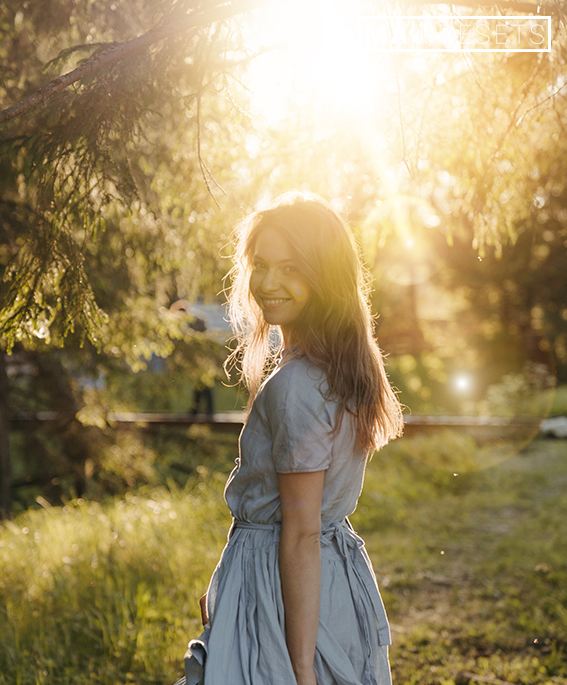
- Sunlight Overlays (100 overlays)
- Prism Light Overlays (100 overlays)
- Optical Flare Overlays (100 overlays)
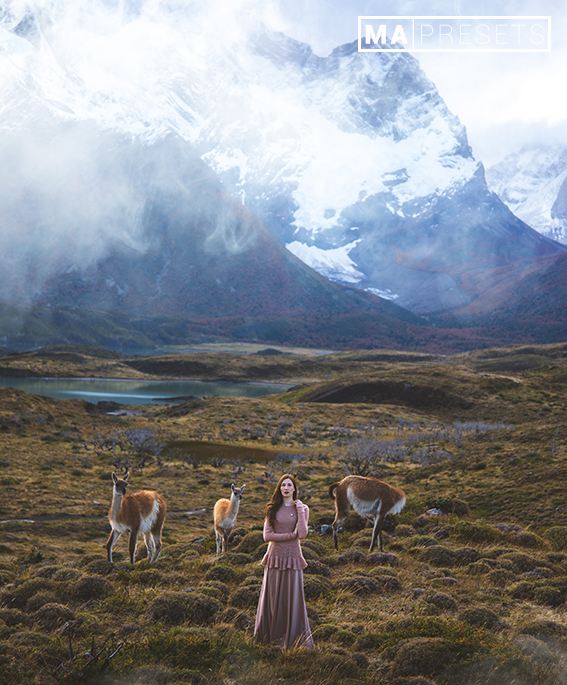
- Fog Overlays (100 overlays)
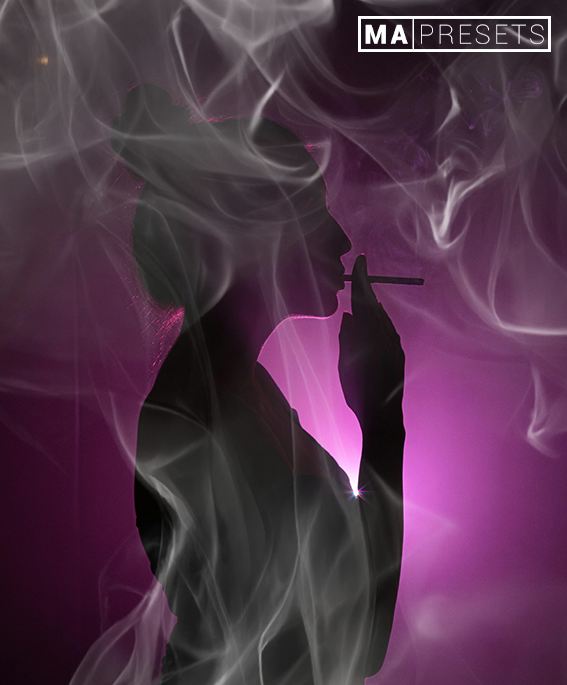
- Smoke Overlays (100 overlays)
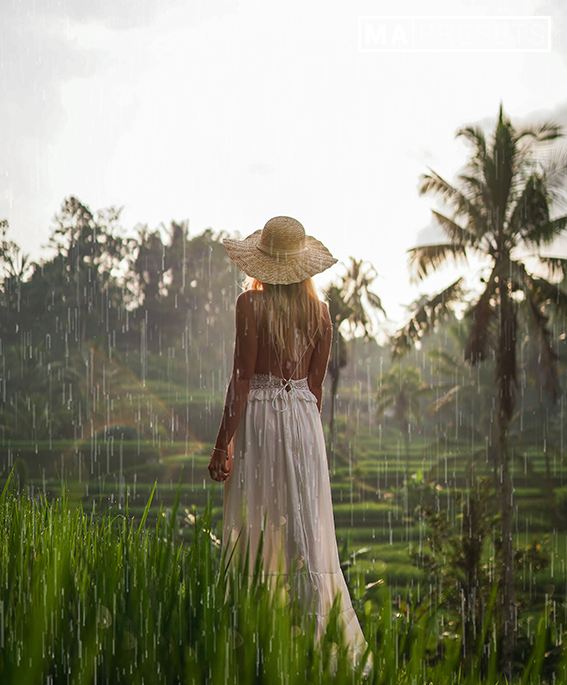
- Falling Rain Overlays (100 overlays)
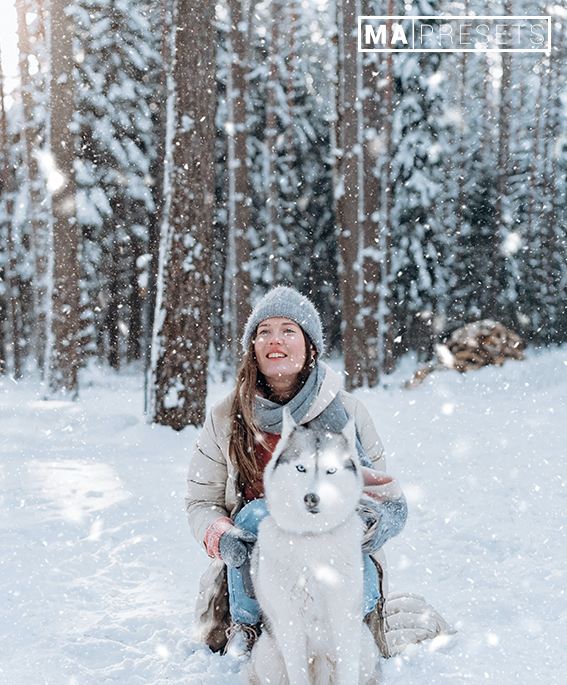
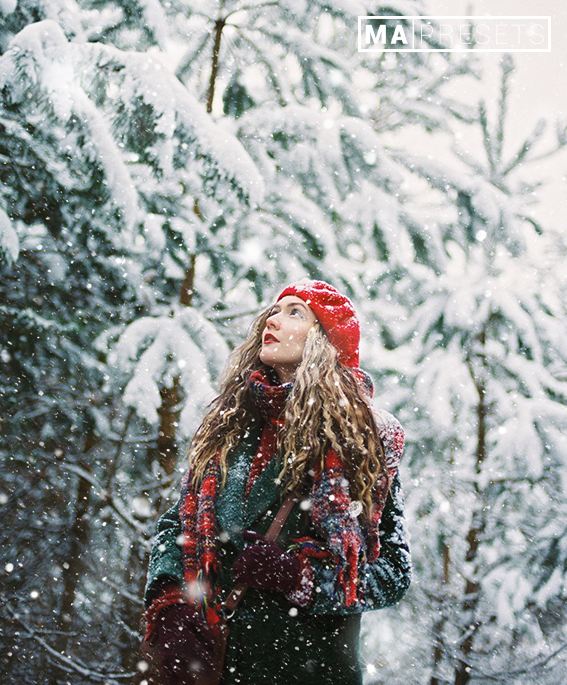
- Falling Snow Overlays (100 overlays)
- Snowfall Overlays (100 overlays)
Compatibility
- Adobe Photoshop (any version with layers)
- Photoshop Express, Photopea & PicsArt
- Procreate, Affinity Photo, Canva Pro
- Any editor with Screen / Overlay blend modes
How to install
Download the PNG files, open your photo in Photoshop, drag an overlay on top and set the blend mode to Screen. Full steps for Photoshop, Photoshop Express and PicsArt in our overlay guide.
Where can I buy Mapresets?
How do I use the Photoshop overlays?
What's inside
15 complete packs, one download.
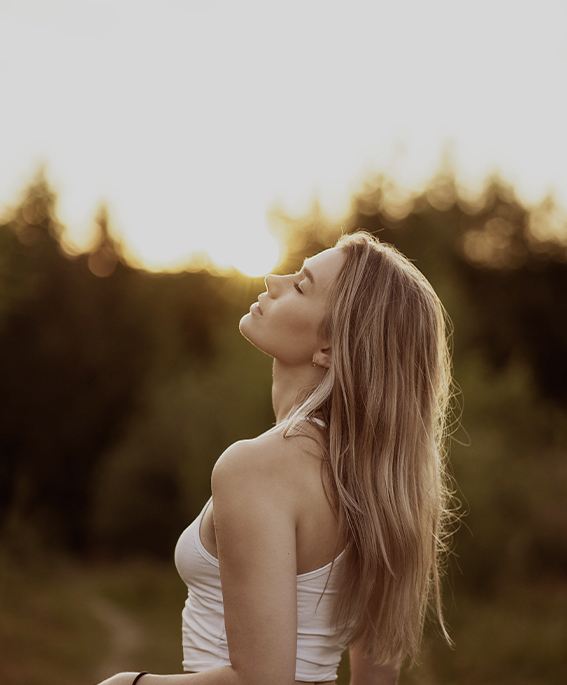
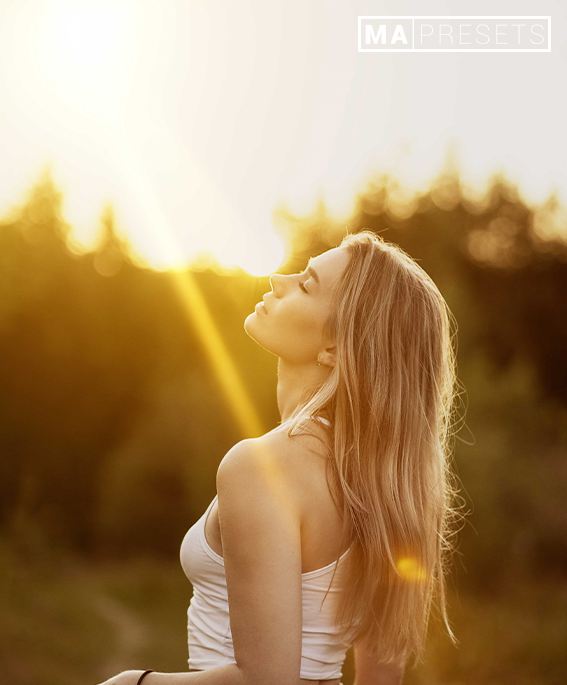
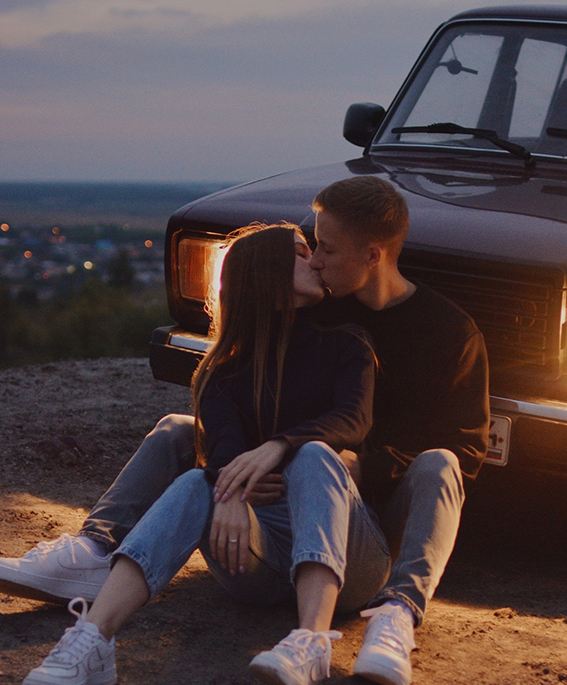
Tap any pack to see its before and after examples.
 After
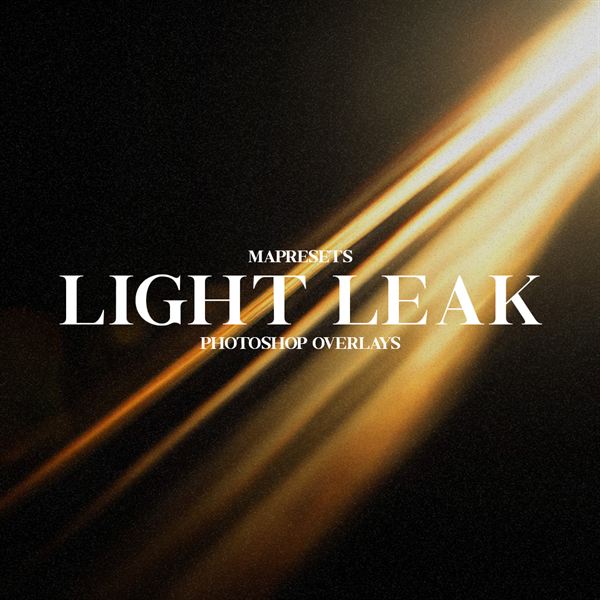
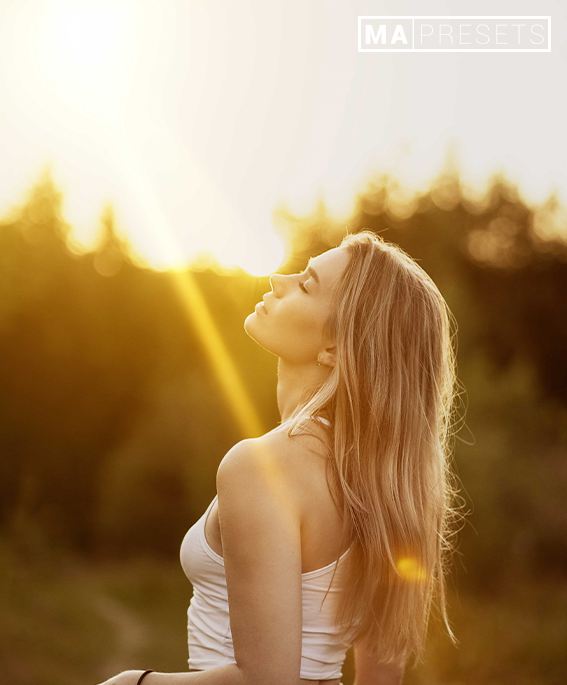
Natural Light Leaks
View pack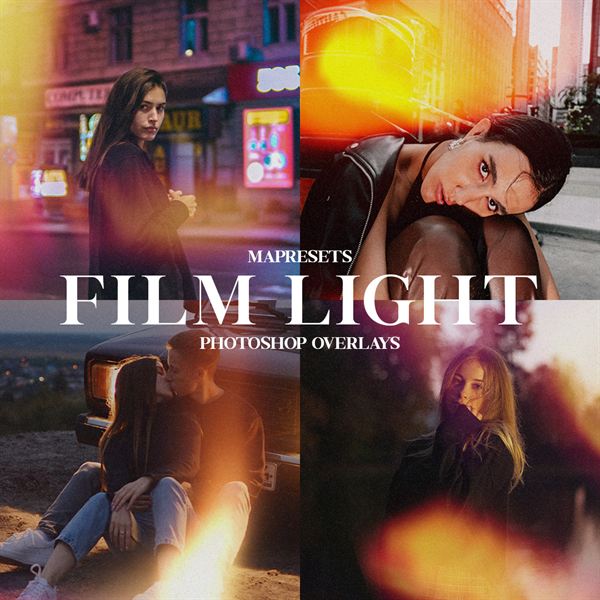
 After
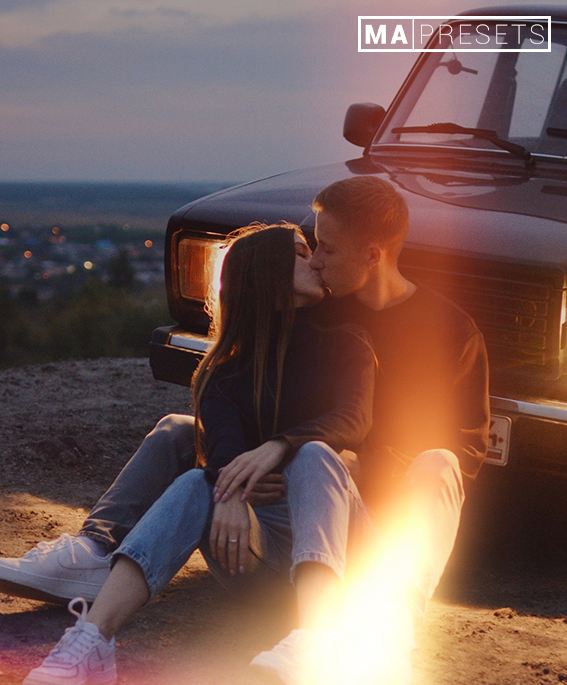
Film Light Leaks
View pack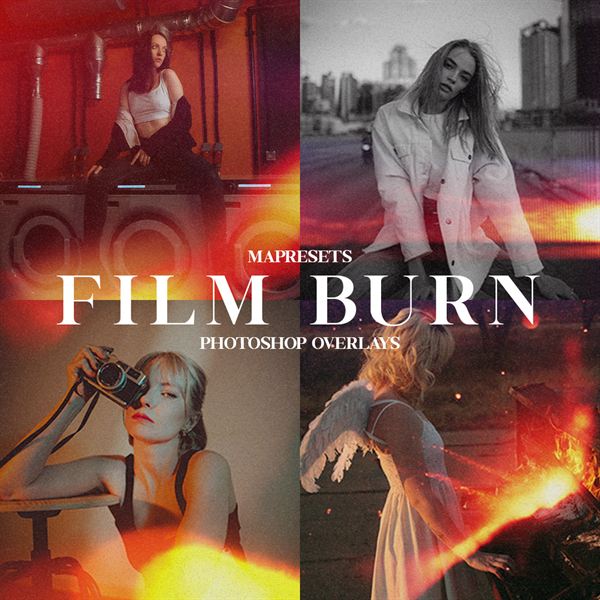
 After
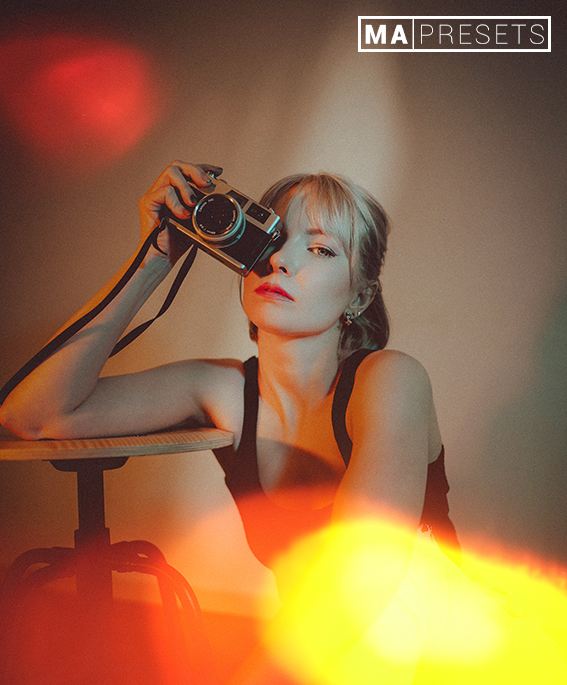
Film Burn
View pack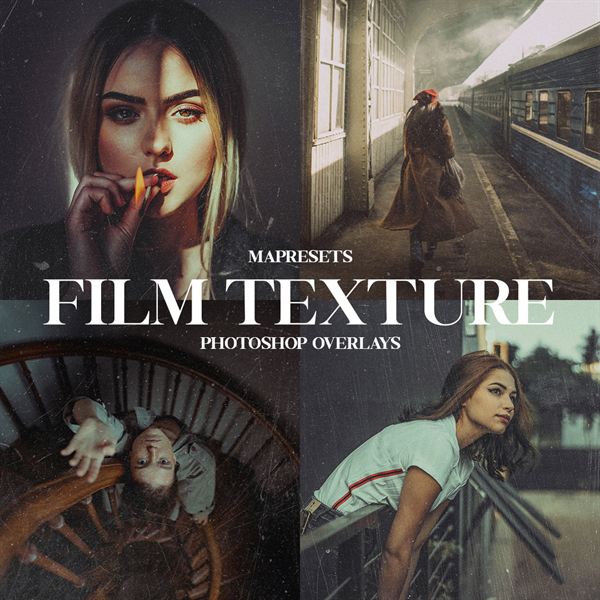
 After
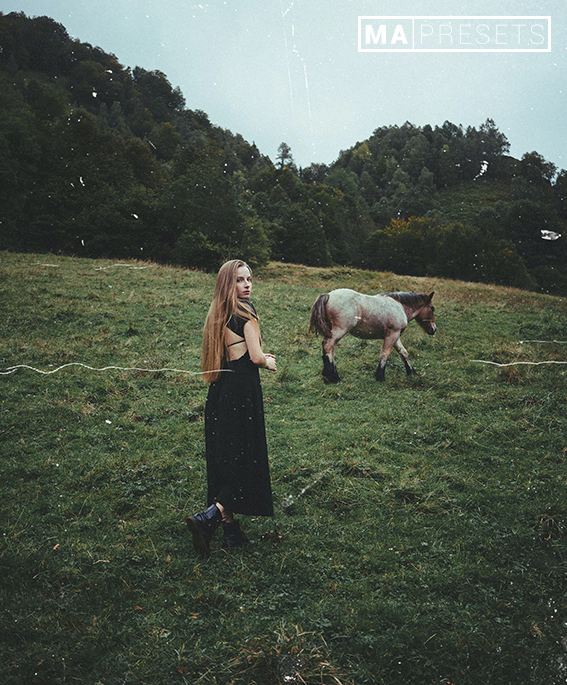
Film Texture
View pack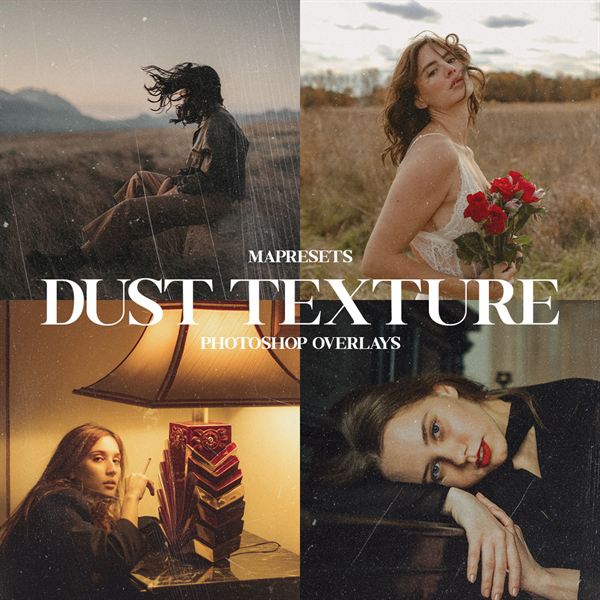
 After
Dust Texture
View pack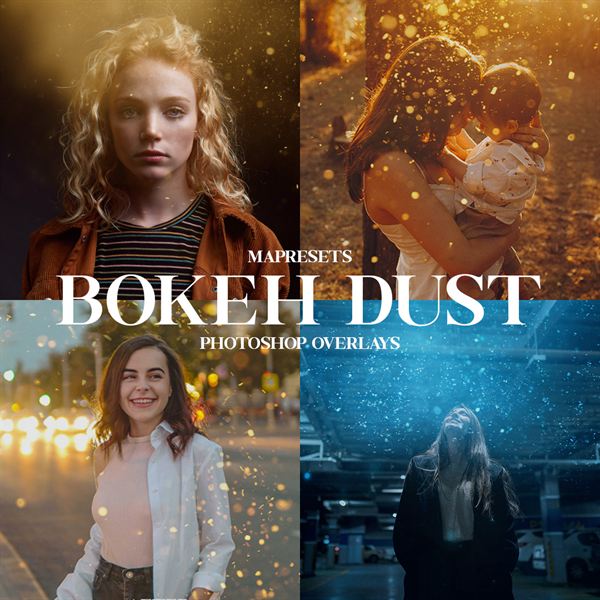
 After
Bokeh Dust
View pack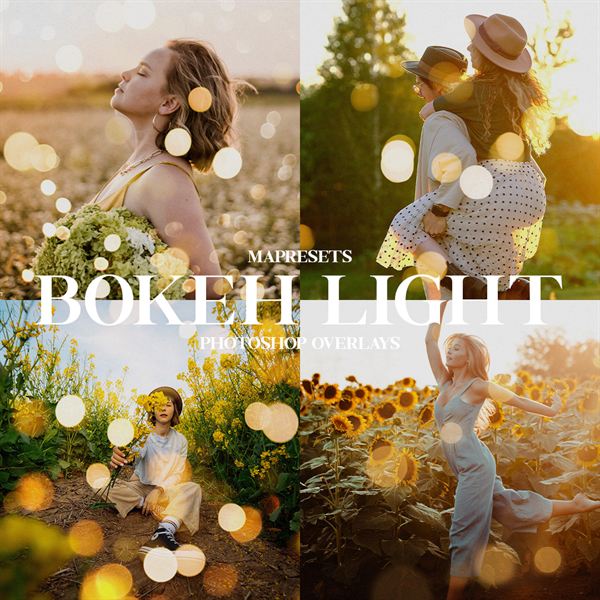
 After
Bokeh Light
View pack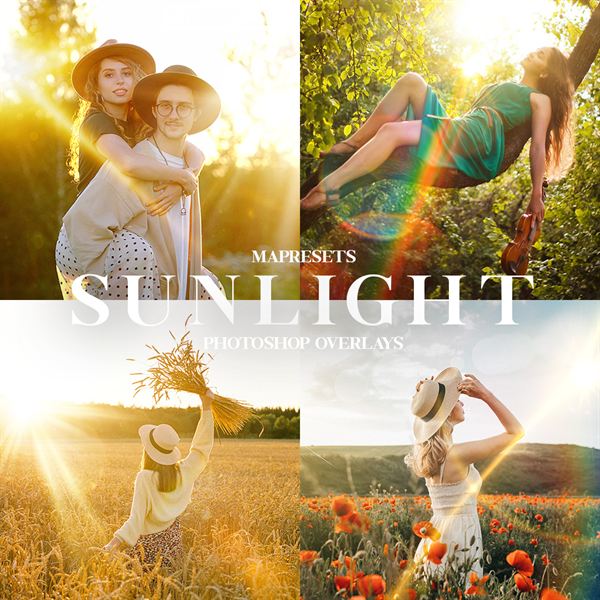
 After
Sunlight
View pack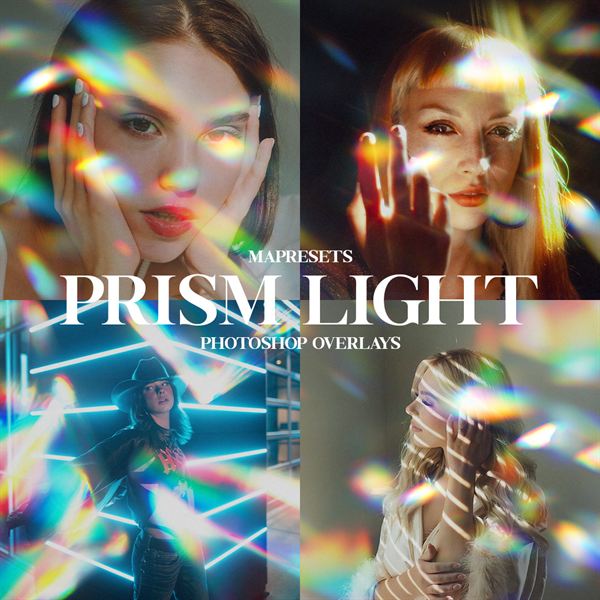
 After
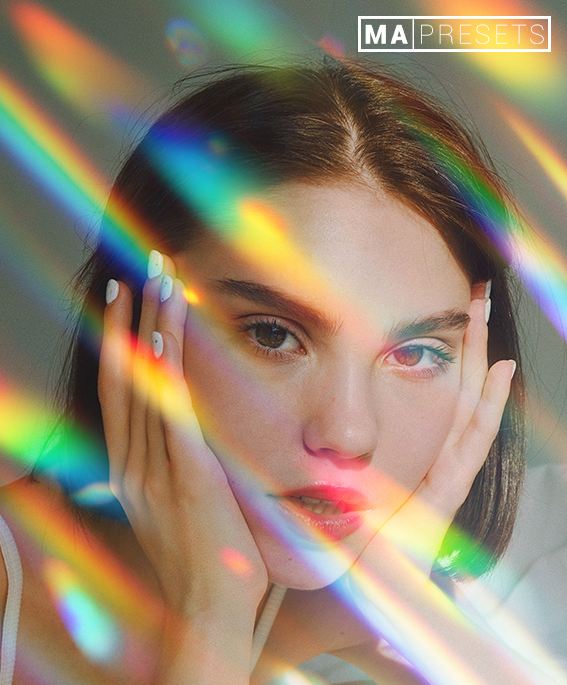
Prism Light
View pack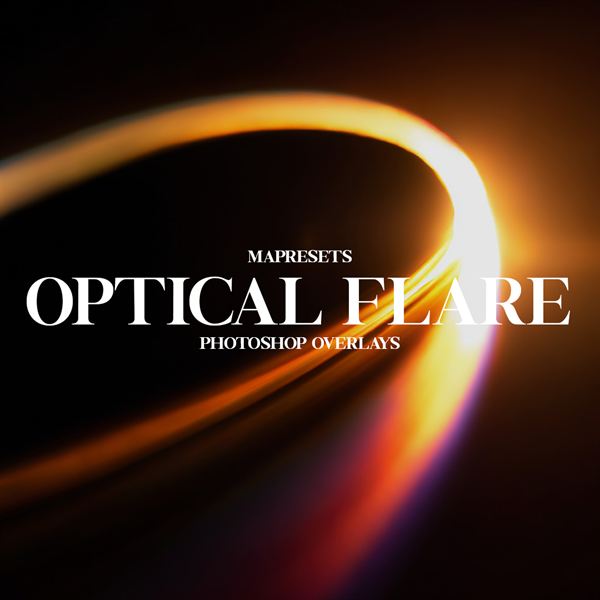
 After
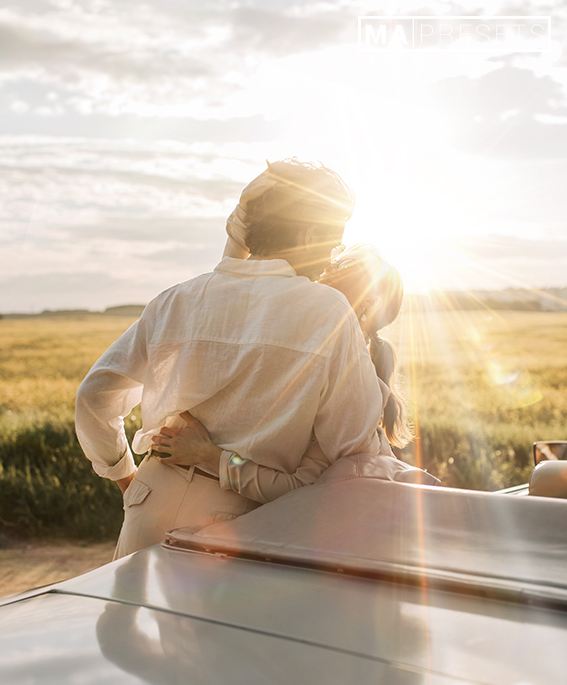
Optical Flare
View pack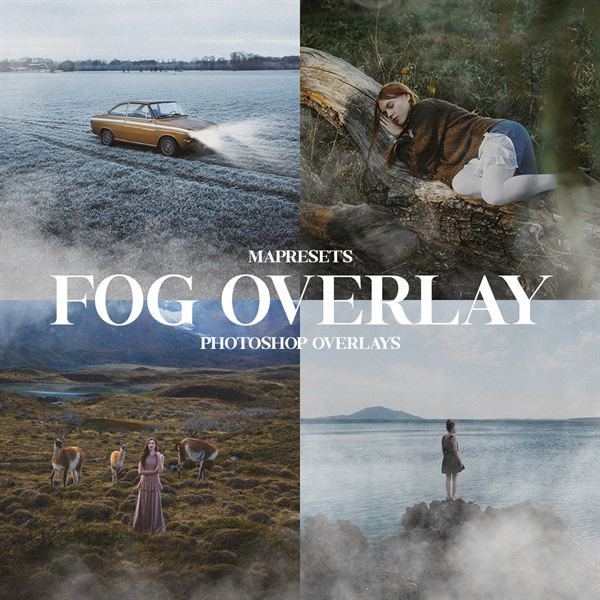
 After
Fog
View pack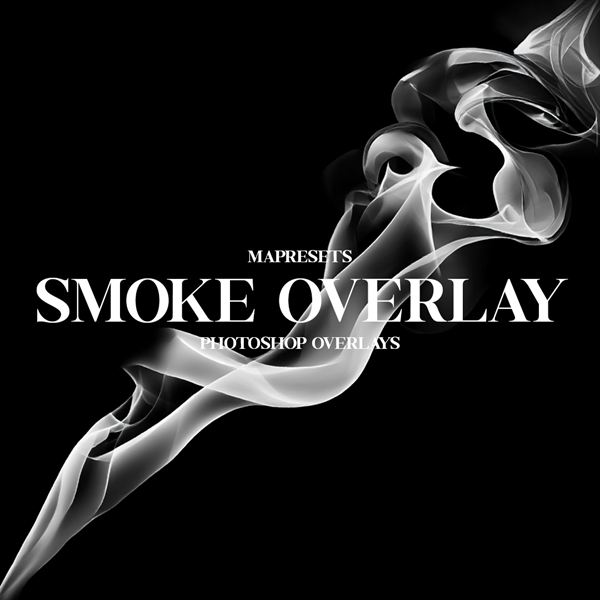
 After
Smoke
View pack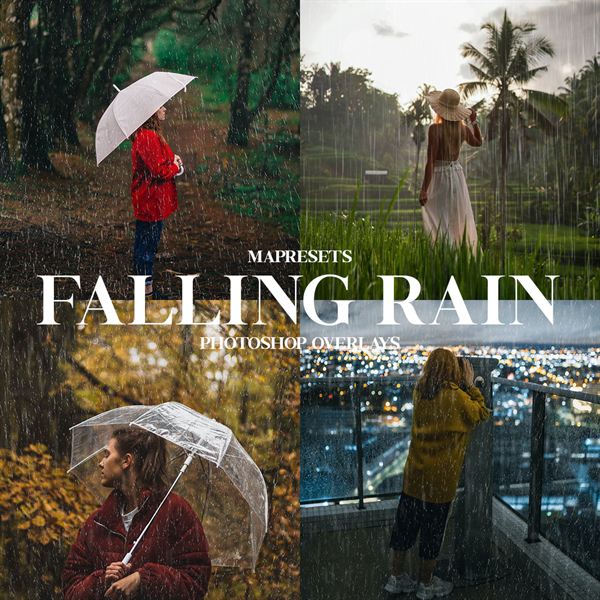
 After
Falling Rain
View pack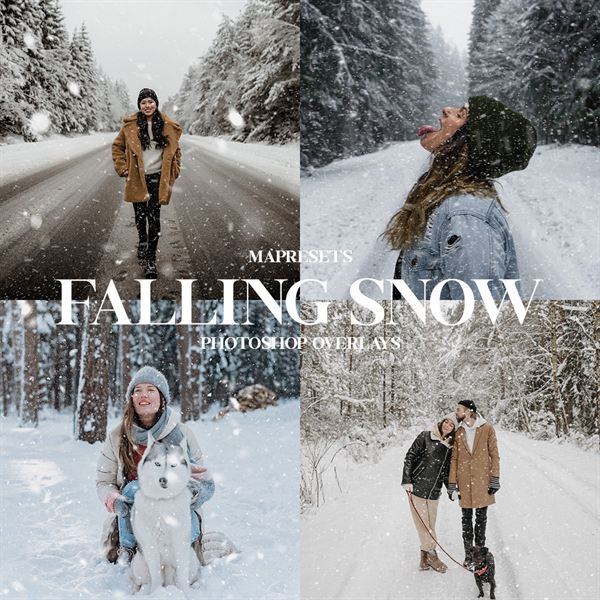
 After
Falling Snow
View pack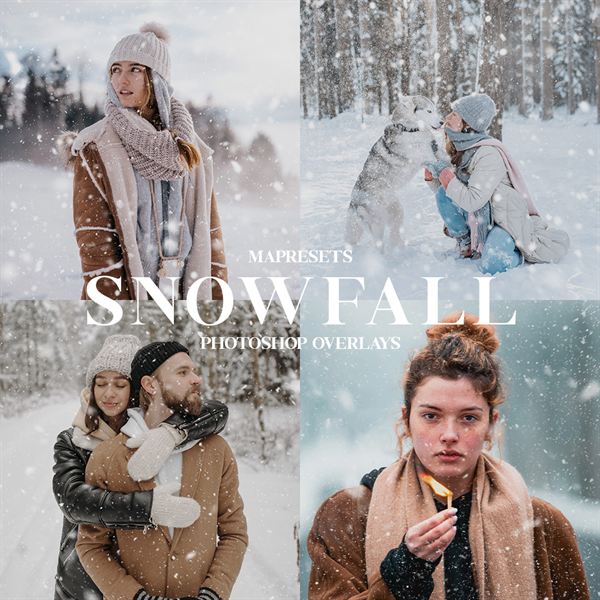
 After
Snowfall
View packBefore / After
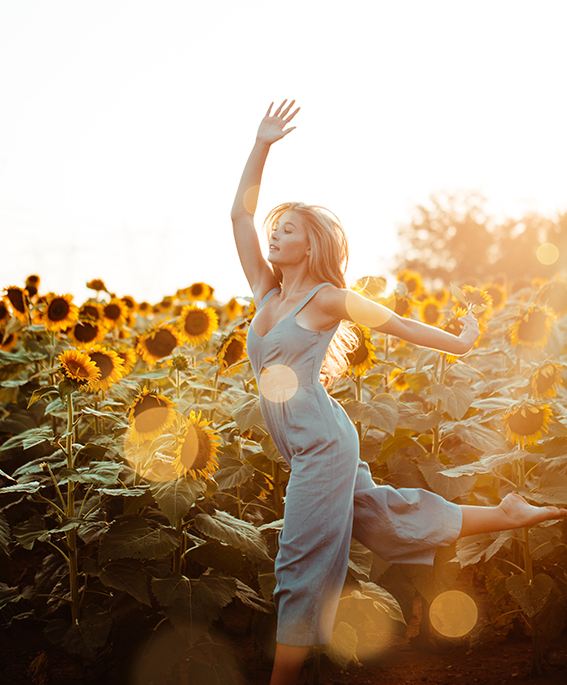
Every example, side by side.
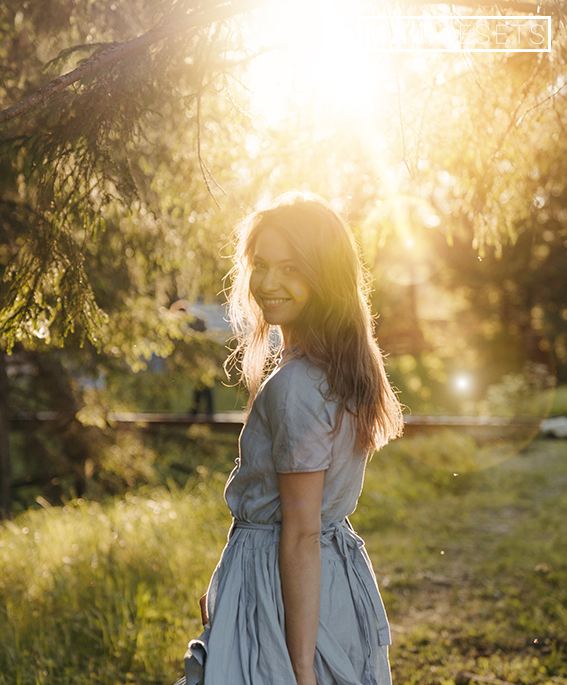
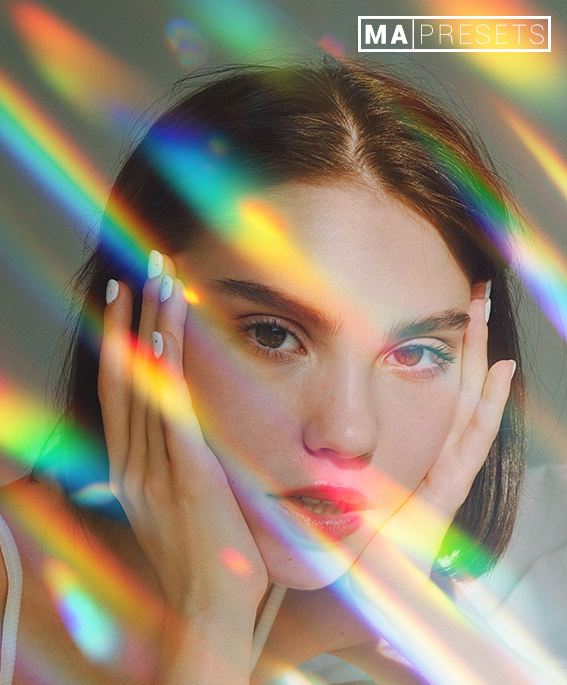
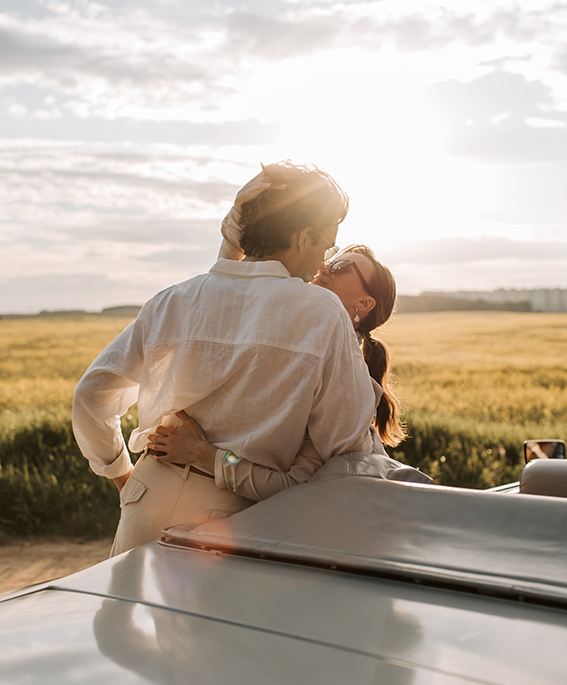
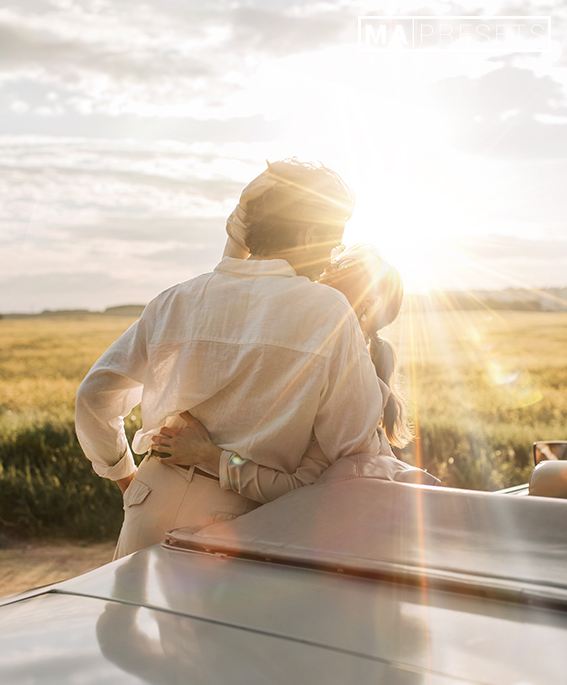
10 real edits. Drag the line on any photo to compare.
BeforeAfterBeforeAfterBeforeAfterBeforeAfterBeforeAfterBeforeAfter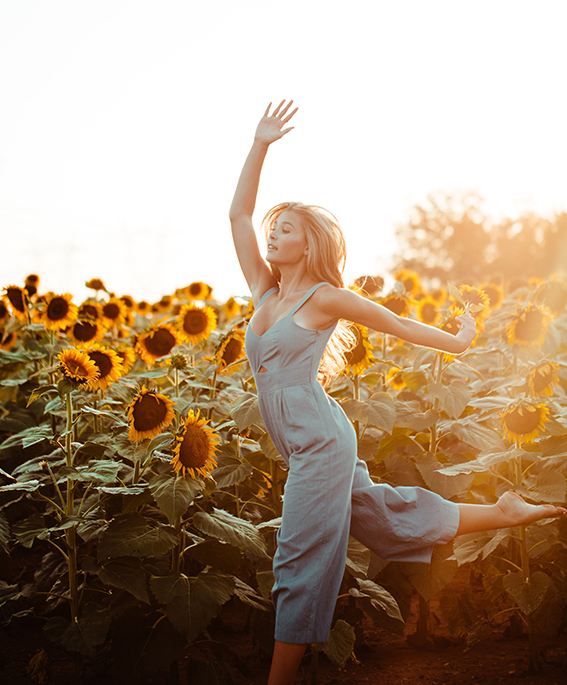
 BeforeAfter

 BeforeAfter

 BeforeAfter
 BeforeAfter
Keep exploring
You may also like
Customer reviews & ratings
18,500+ happy customers.
4.7 average rating
This was exactly what I was needing! Perfect!
These presets have been everything I have been looking for and more! 5 stars does not do them justice. 100% recommend checking out this Shop!
I've just downloaded the bundle, and I've used some of the presets and I am very pleased. Use them to edit some of my images quickly, and yes, they are pretty darn good. Would recommend.
They have everything I needed!
My first time using presets in Lightroom and I am very happy with my purchase. Thank you so much. I have been using them for a uni project.
Love all the light leaks, only wish they were set up as a preset package.
Was editing some digital photos I took to match some film I took from the same day, and honestly very pleased with how accurate these looked compared to the actual developed Portra 400.
Solid preset pack for editing!
Just as described. Loved, ten out of ten.
Exactly what I was looking for, the tones, the colors, the contrasts... Nothing to say, it does the job perfectly. Mobile version for me.
Free download
Five film presets. On us.
Get a free mobile & desktop pack from our best-selling film collections. No credit card, no trial.
Opens Gumroad. Type 0 in the price box to download for free.